adom · hero deckHero Deck
The Babylon 9 stage that performs the Adom app catalog inside Hydrogen Desktop's setup panel. This is not a video — the component below is the real thing, running live on this page. Hover to hold a hero, drag to scrub, wheel to zoom in for a closer look, hold the mouse down and drag to orbit the camera. The spring never stops pulling everything home — your input fights it, and the moment you let go it lands with a few bounces. The heroes are billboards, not links — nothing here navigates away.
Wheel = zoom to cursor · hold + drag = orbit · pinch on touch · ←→ change apps. Everything is on a spring that never lets go. The glowing frame keeps your wheel: the page will not scroll over the stage.
The transition · preview the alternates
The deck uses ONE transition: slide (John, 2026-08-11): the hero glides up
and off the stage, no shaders, and the next hero's rise + sheen entrance overlaps the
tail. The 3D stage itself — the camera angle, the sweeping key light, the dust — is
untouched; only the destruction exits were retired. The laser-etch, trace-slice, circuit and dissolve exits are DELETED (not just
off by default). A few destruction exits (burn, melt, vortex, shatter) survive as embedder options via the
exit attribute — these buttons preview them — but nothing in the
product ships them today. This page runs exit="none" so what rotates
above is exactly what setup shows.
Where the heroes come from
Nothing is baked. The bundle ships only the tiny roster (names, pitches, wiki page refs — a couple of KB). Every hero image is fetched live at boot, so an installer run two weeks from now shows whatever the wiki serves that day. Heroes join the rotation as they decode — the stage's light sweep runs from frame one and the first hero to land opens the show; a failed fetch just leaves that app out of the rotation, never a stale or blank card.
2 · Live resolution, on the fly — the first-class way. "Which image
is this page's hero?" has exactly one correct answer, and it is NOT a guessable
file path: pages keep their hero wherever they like (docs/hero.png,
screenshots/hero.png, hero-v9.png…), and a stale
file literally named hero.png can shadow the real one. The deck asks
the wiki: GET /api/v1/pages/<ref>/hero (the same source of truth
as adom-wiki page hero <ref>) returns no-cache JSON —
{url, sha256, bytes, updated_at} — naming the page's CURRENT hero
file. The deck then loads exactly that URL (crossOrigin=anonymous),
and only when the image proves decodable does it replace the embedded one;
failures are silent no-ops and the baked-in layer keeps the stage (it, not an HTTP
cache, is what covers offline). The 2026-08-11 audit is why this page belabors the
point: the previous hardcoded <page>/hero.png fetch was serving
outdated images on 6 of 7 "live" apps and even the wrong repo's hero
(adom/kicad vs adom/kicad-bridge).
| App · wiki page | the page's CURRENT hero (first-class resolution, live on every view) |
|---|---|
KiCad Bridgeadom/kicad-bridge · dock id kicad | 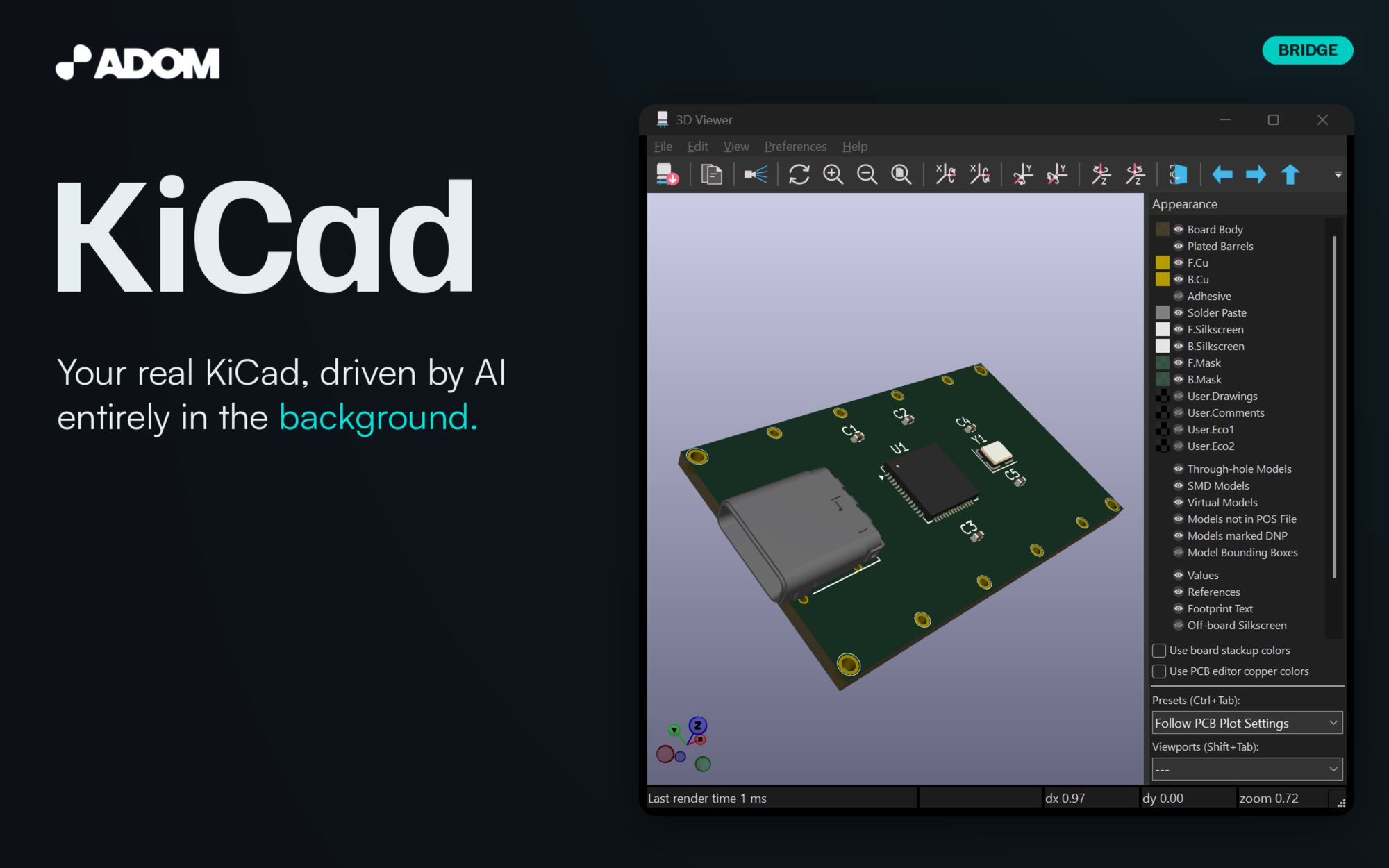 resolved via page hero adom/kicad-bridge → screenshots/hero.png · set 2026-08-09 |
Fusion 360 Bridgeadom/fusion-bridge · dock id fusion | 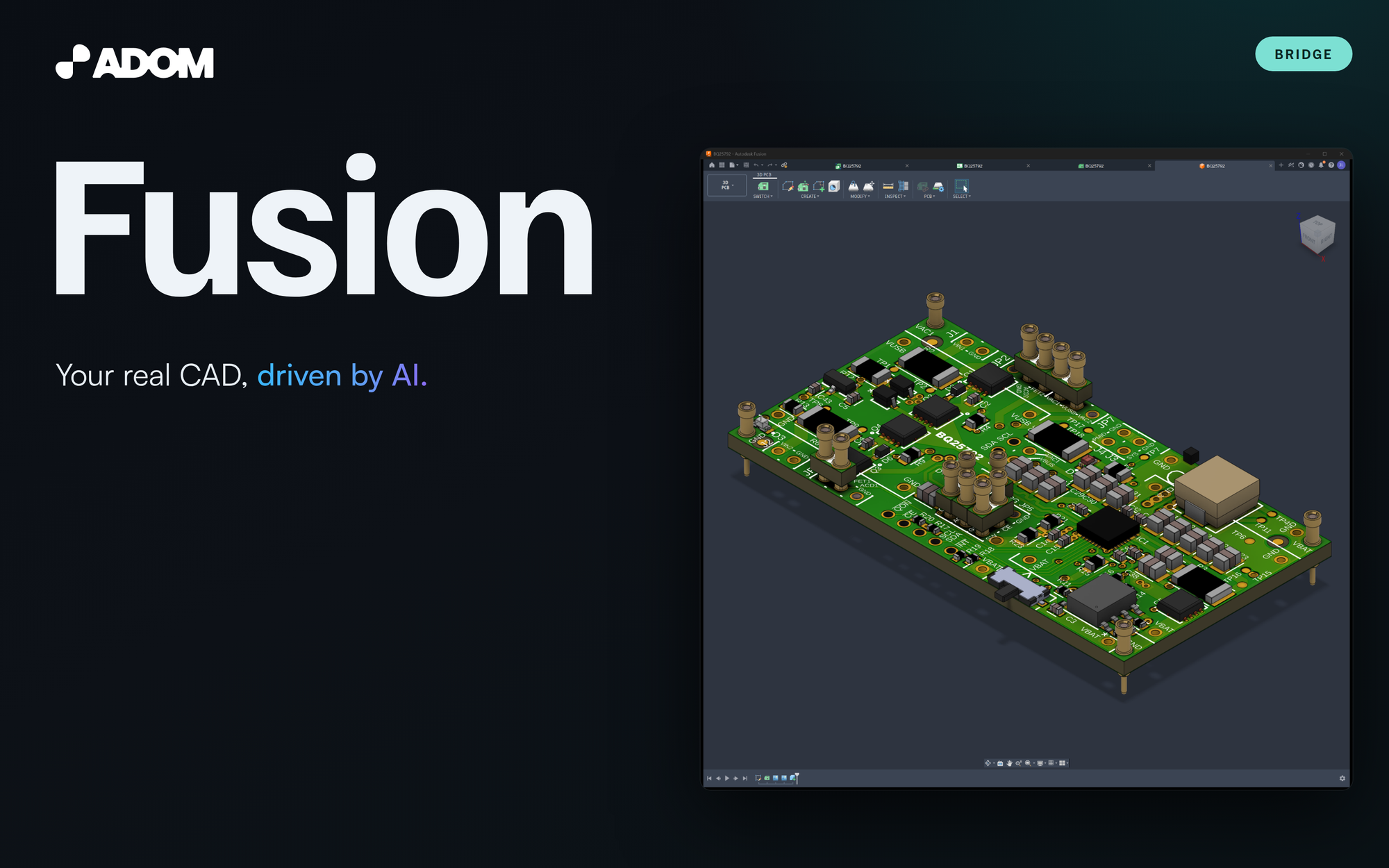 resolved via page hero adom/fusion-bridge → screenshots/hero.png · set 2026-08-09 |
Chip Fetcheradom/adom-chip-fetcher · dock id chip-fetcher | 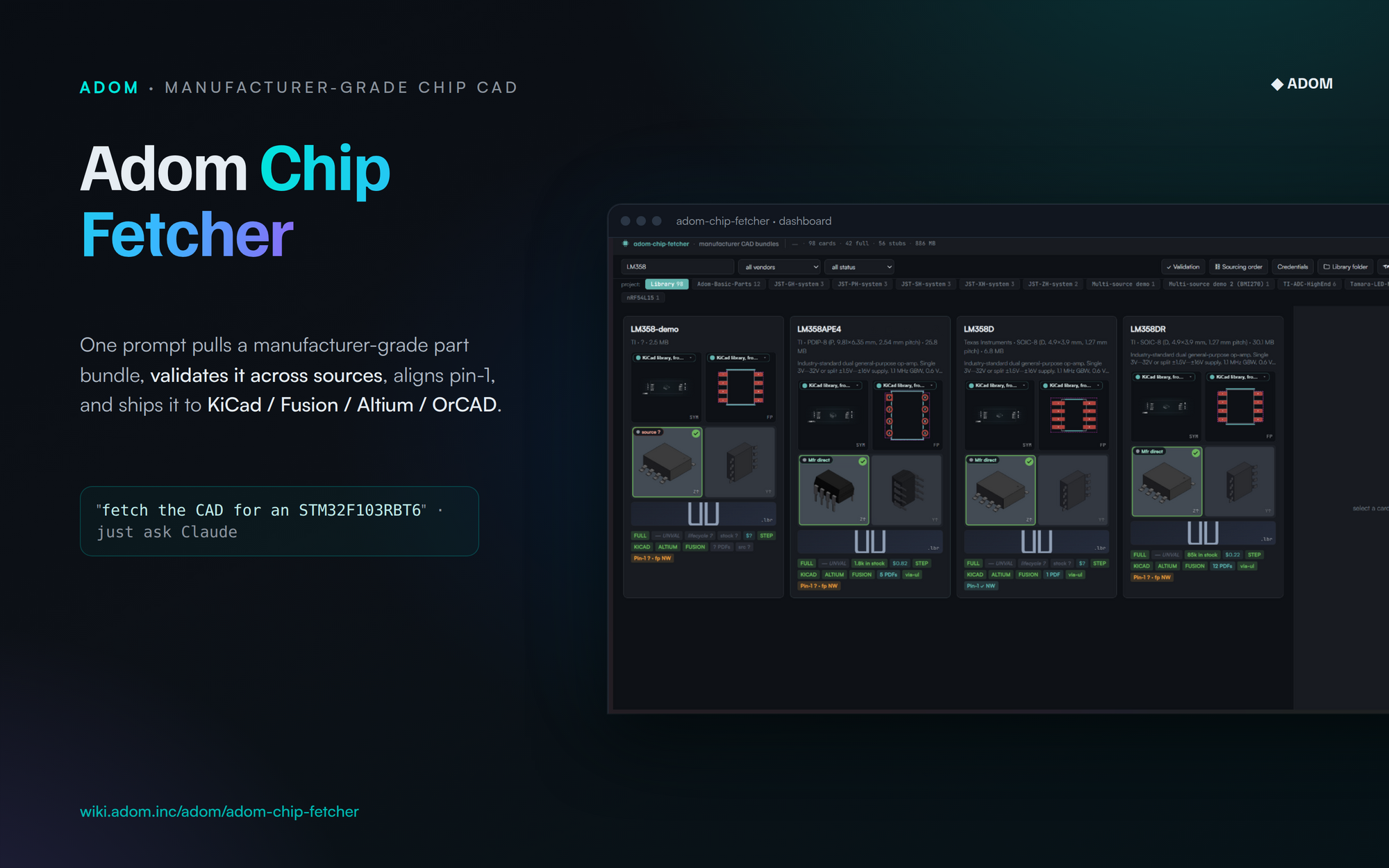 resolved via page hero adom/adom-chip-fetcher → adom-chip-fetcher-hero-v5.png · set 2026-06-29 |
Pupadom/pup-bridge · dock id pup | 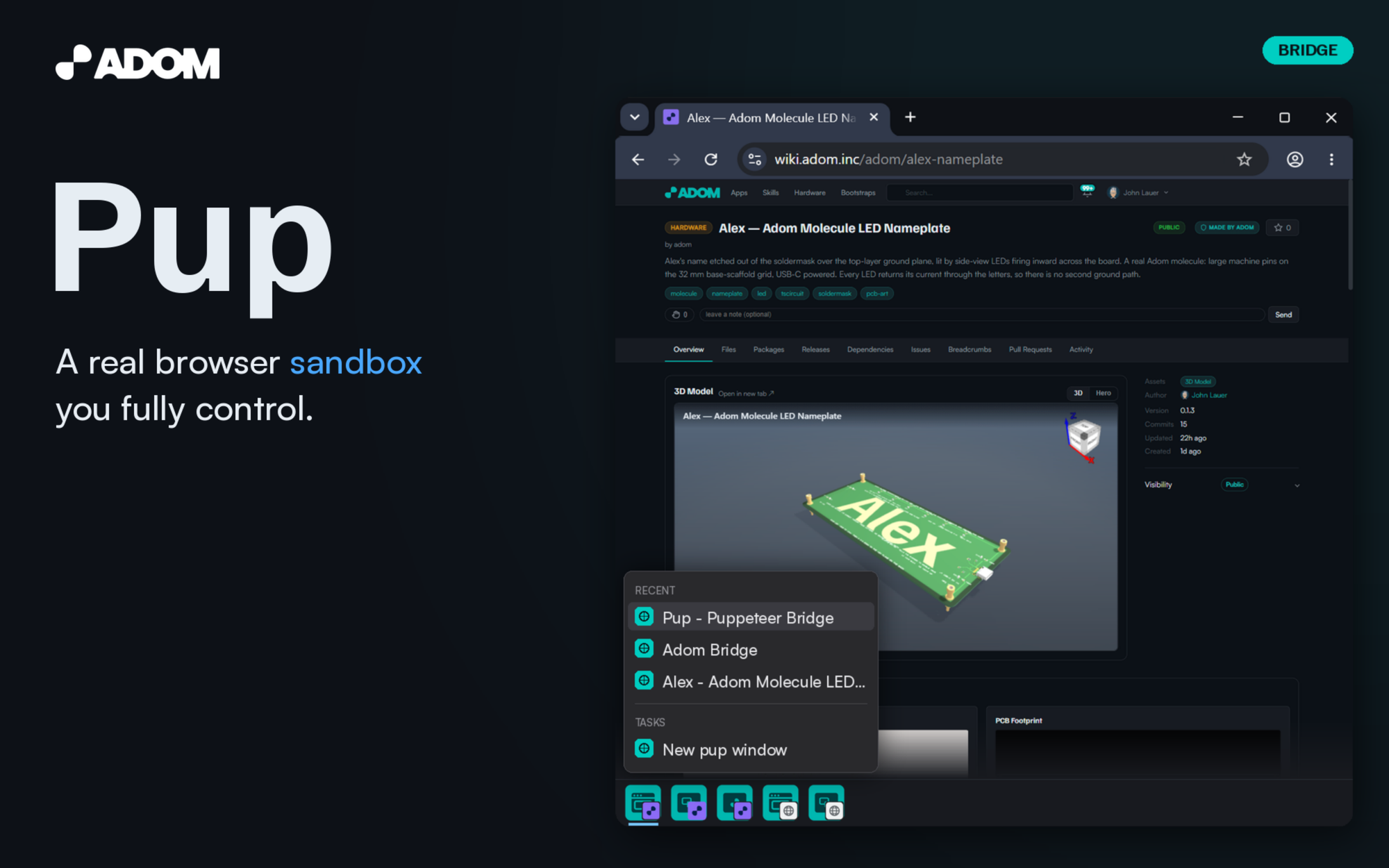 resolved via page hero adom/pup-bridge → hero-v9.png · set 2026-08-09 |
Adom Project Manageradom/adom-project-manager · dock id project-manager |  resolved via page hero adom/adom-project-manager → screenshots/hero.png · set 2026-07-29 |
Adom Symboladom/adom-symbol · dock id symbol | 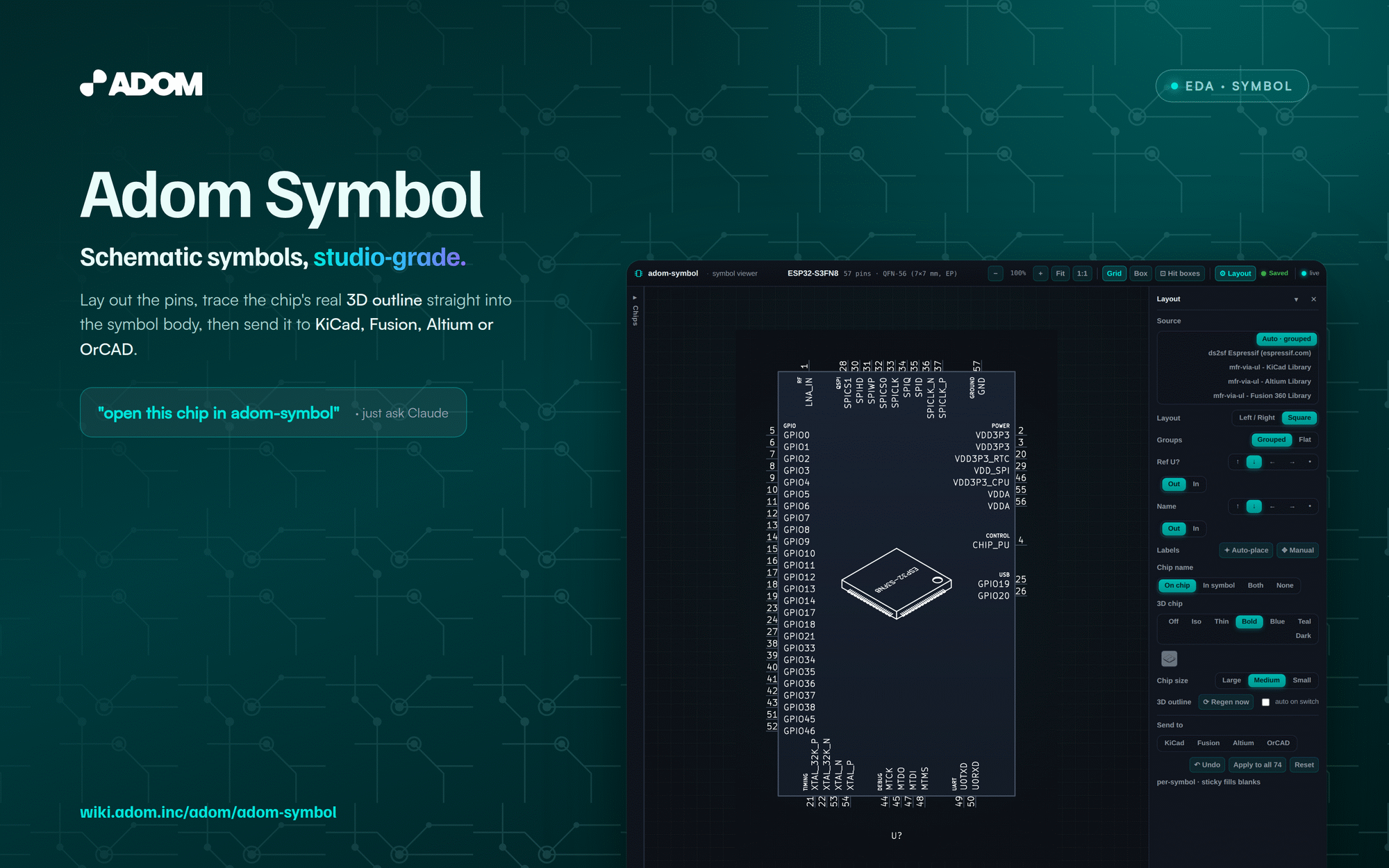 resolved via page hero adom/adom-symbol → adom-symbol-hero-v6.png · set 2026-06-29 |
Adom Footprintadom/adom-footprint · dock id footprint | 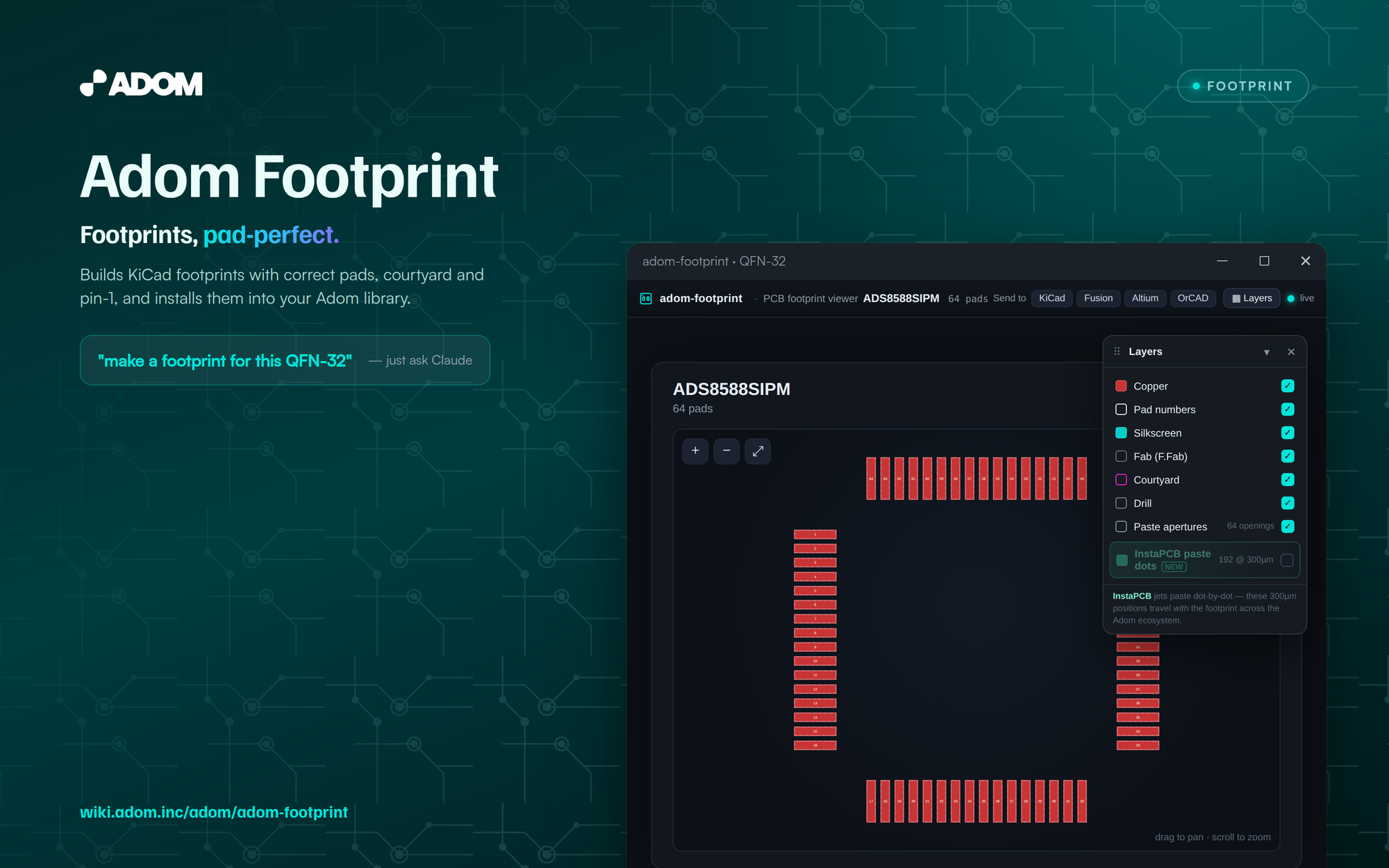 resolved via page hero adom/adom-footprint → adom-footprint-hero-v4.png · set 2026-06-26 |
Adom LBRadom/adom-lbr · dock id lbr | 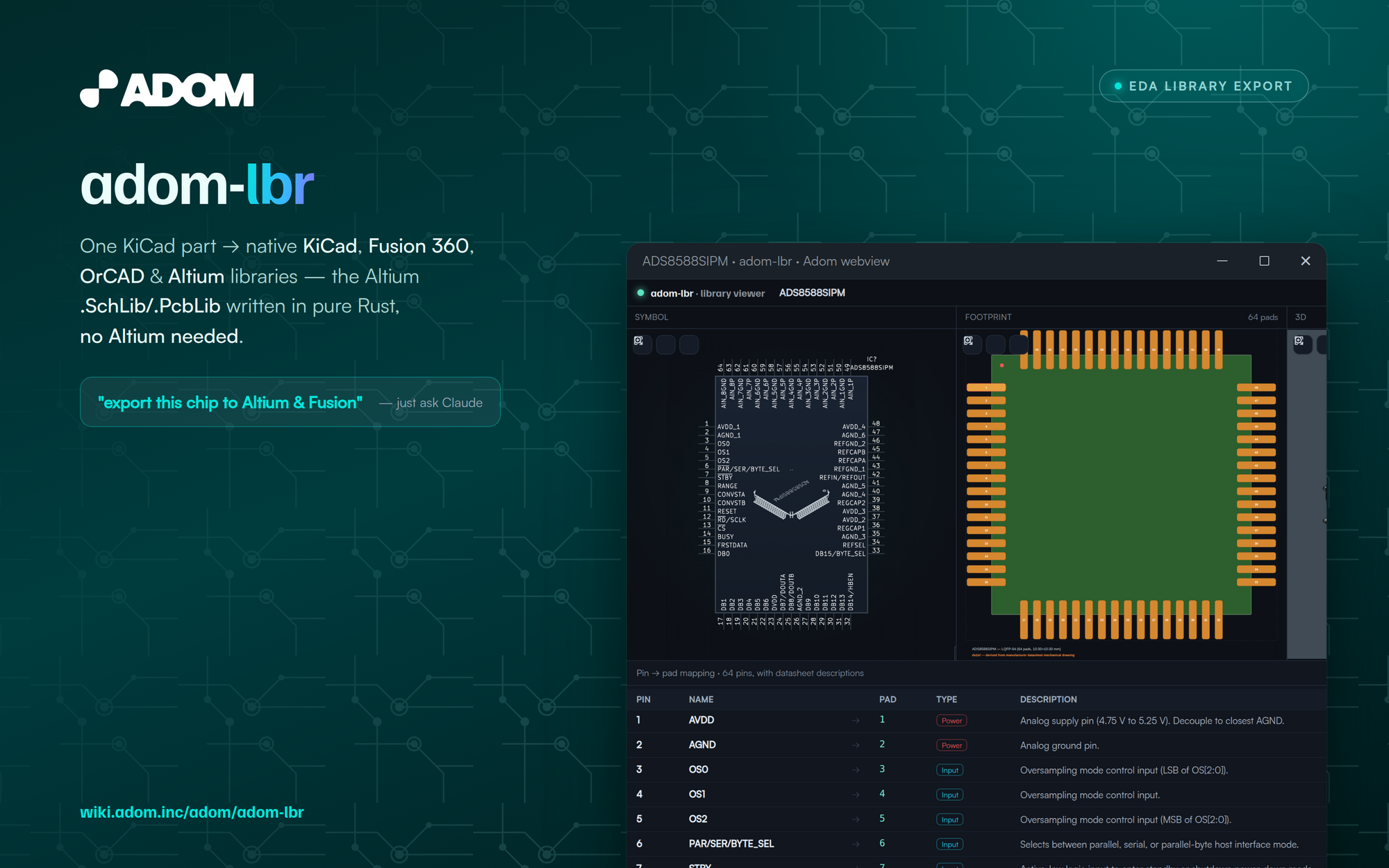 resolved via page hero adom/adom-lbr → screenshots/hero-v2.png · set 2026-06-29 |
Adom Chipsmithadom/adom-chipsmith · dock id chipsmith | 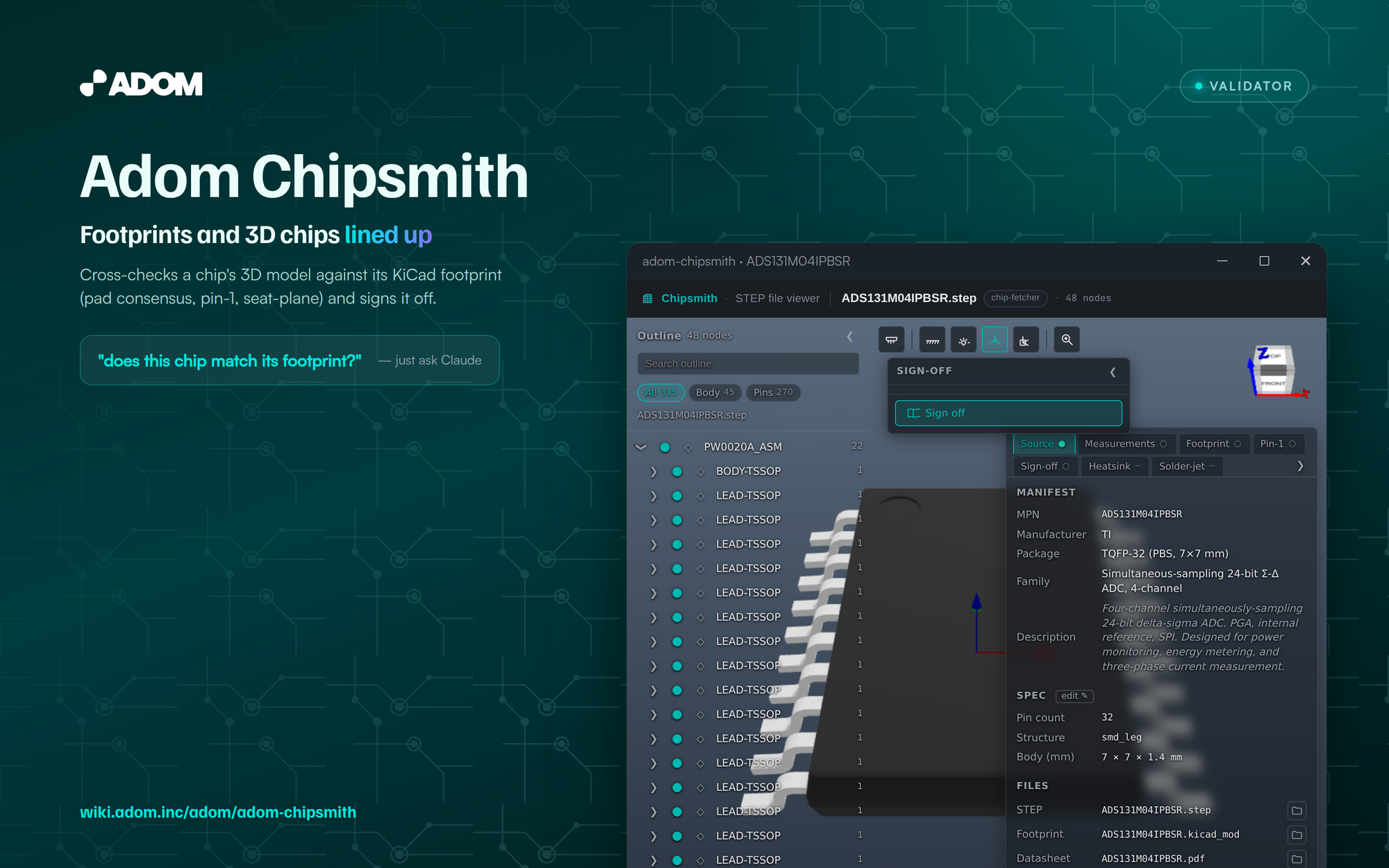 resolved via page hero adom/adom-chipsmith → adom-chipsmith-hero-v4.png · set 2026-06-26 |
Parts Searchadom/adom-parts-search · dock id parts-search | 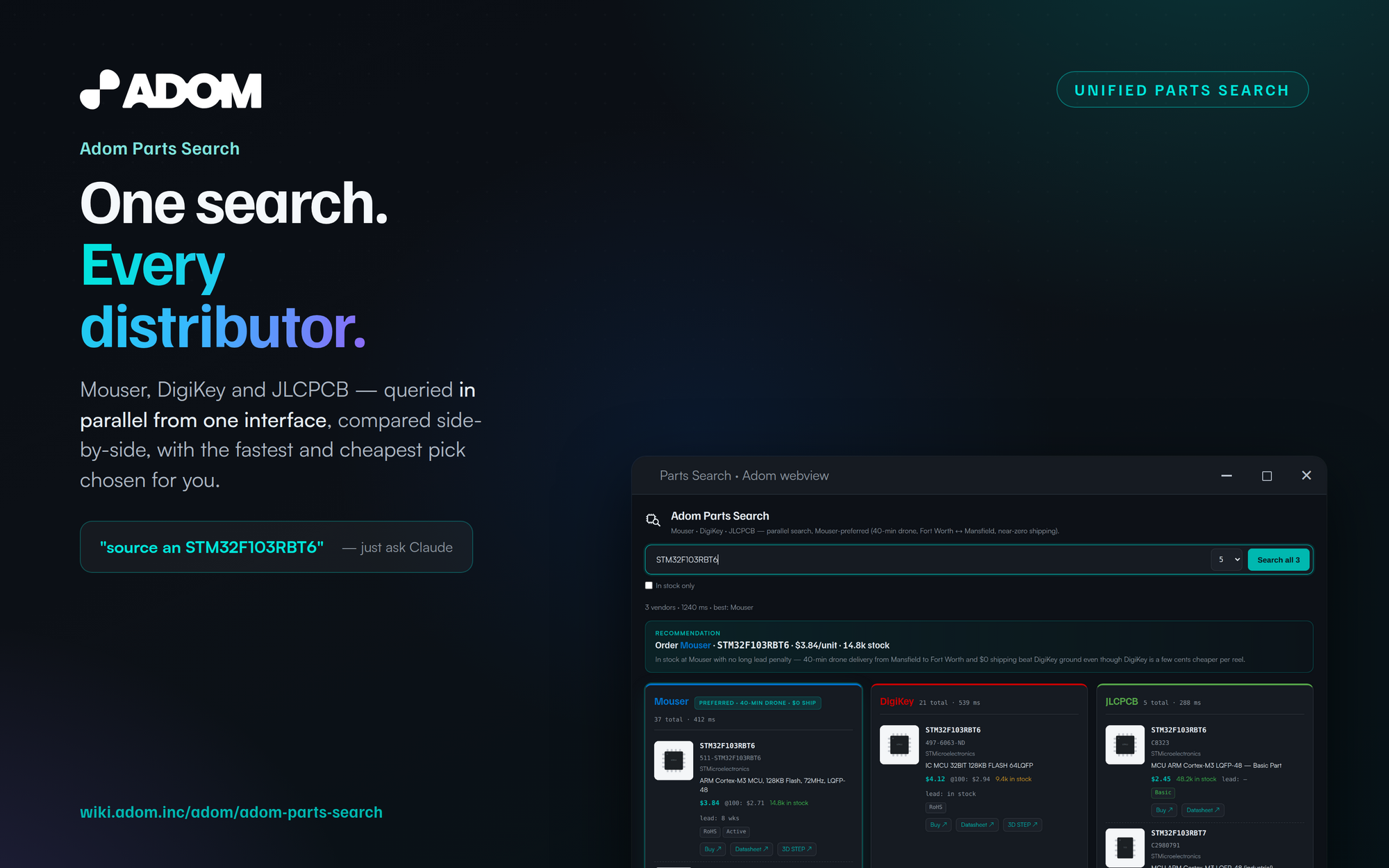 resolved via page hero adom/adom-parts-search → screenshots/hero.png · set 2026-06-22 |
Adom for Altiumadom/altium · dock id altium | resolved via page hero adom/altium → /hero/adom/altium · set 2026-07-31 |
| 11 dock apps | 11 of 11 pages have a current hero |
Always in motion
Drift on 35–90s periods, a 26s push-in, a key light crossing every 13s, dust in the beam, spotlight pools panning the art. Still at any instant; never still over seconds.
Theme-transparent
The canvas is alpha-cleared: the host panel's ground shows through, and the component re-skins when the theme changes.
One transition
Setup ships exit="none": a
quick fade, and the entrance does the showmanship. The destruction exits remain
embedder options via the exit attribute.
Cheap
~0.43ms CPU per frame while visible (~2.6% of one core at 60fps), parks entirely when off-screen. One script; the only fetches are the background live-hero upgrades, and failures cost nothing.
Embed it
<script src="hero-deck.bundle.js"></script>
<div style="width:100%;height:430px;color:#e6edf3"><hero-deck/></div>
Full instructions in the hero-deck skill on this page's Skills tab; source and
build in the Files tab. Canonical shipping copy: hydrogen-desktop
src/lib/herodeck/.