altium-part-importer
Public Unreviewedby barrett-land
Add any catalog component (resistor, capacitor, inductor, IC, connector, diode) to a user's Altium Designer library with its LCSC/JLCPCB part number attached, so JLCPCB BOM + pick-and-place exports ca
| Name | Last updated |
|---|---|
| docs | 29d ago |
| skills | 29d ago |
| install.sh | 29d ago |
| package.json | 29d ago |
| page.json | 29d ago |
| README.md | 29d ago |
| uninstall.sh | 29d ago |
altium-part-importer
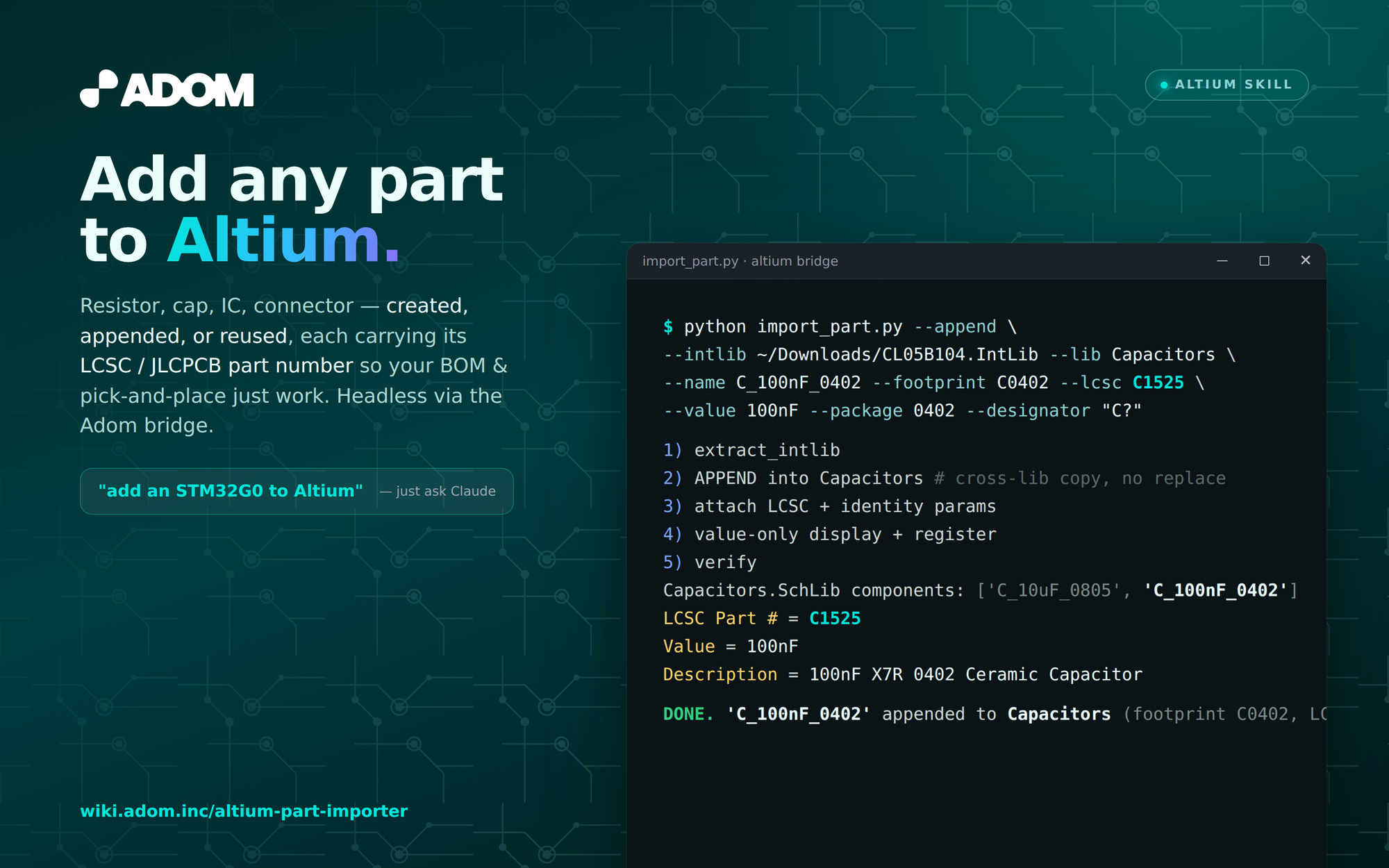
Add any catalog component (resistor, capacitor, inductor, IC, connector, diode…) to a
user's Altium Designer library with its LCSC Part # attached, so JLCPCB BOM +
pick-and-place exports carry it automatically. Drives Altium headlessly via the altium
Adom Desktop bridge.
Three paths (fastest first):
- Reuse an existing symbol for a new value (clone + parametric footprint — no fetch).
- Create a library from a downloaded Altium
.IntLib(one batched round-trip). - Append a part into an existing library (cross-lib copy).
Always surveys the user's existing libraries first (--list-libs) and never blind-creates.
For Adom's own machine pins/contacts, use adom-altium-library-importer instead.
Install
adompkg install barrett-land/altium-part-importer
Then read SKILL.md — it covers bridge install, the fast workflow, conventions, and gotchas.