app
5-Minute Timer
Public UnreviewedA countdown timer that goes green to red, then flashes red and counts negative when time's up.
| Name | Last updated |
|---|---|
| demo | 3mo ago |
| screenshots | 3mo ago |
| index.html | 3mo ago |
| install.sh | 3mo ago |
| package.json | 3mo ago |
| page.json | 3mo ago |
| README.md | 3mo ago |
| SKILL.md | 3mo ago |
| uninstall.sh | 3mo ago |
5-Minute Timer
A countdown timer that starts green, sweeps to red as it runs down, and once it passes zero keeps counting negative while the whole screen flashes red at 1 Hz. Play/pause, reset, and on-the-fly time adjustments. One self-contained HTML file — no build, no server.
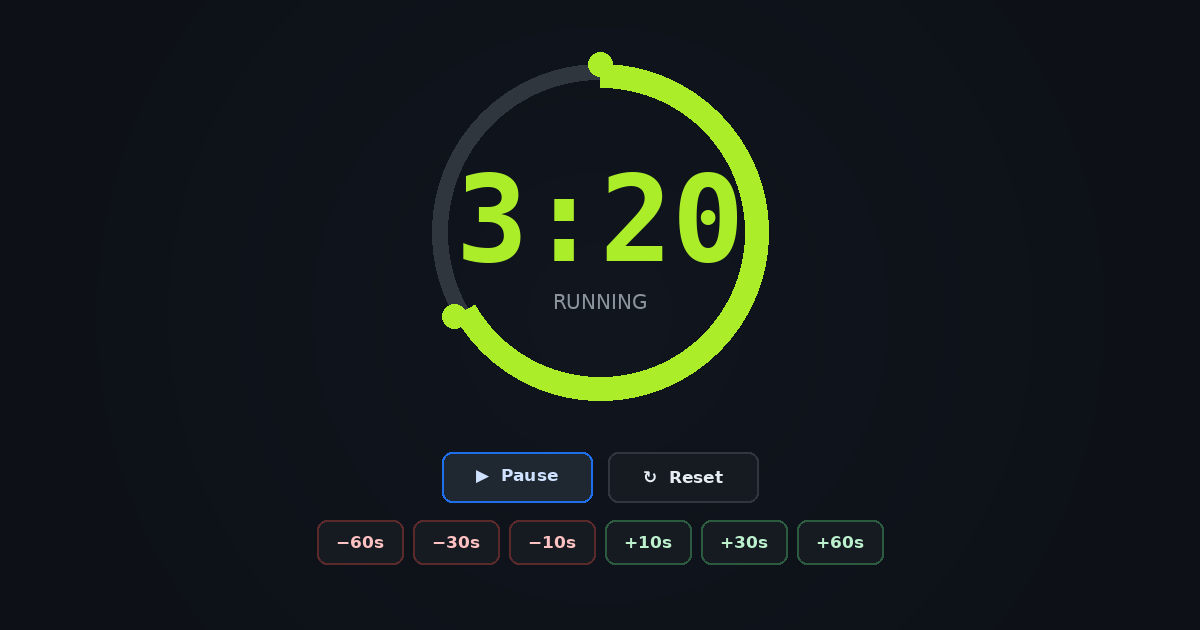
Live Demo
Press Start, let it run past zero, and watch it flash. Everything is baked in — the demo above is the real app.
Install
adompkg install timer
Quick Start
timer                  # serve it locally → http://localhost:8741/
TIMER_PORT=9000 timer  # pick a different port
Or just open ~/.local/share/adom-timer/index.html in any browser — it needs no server.
Screenshots
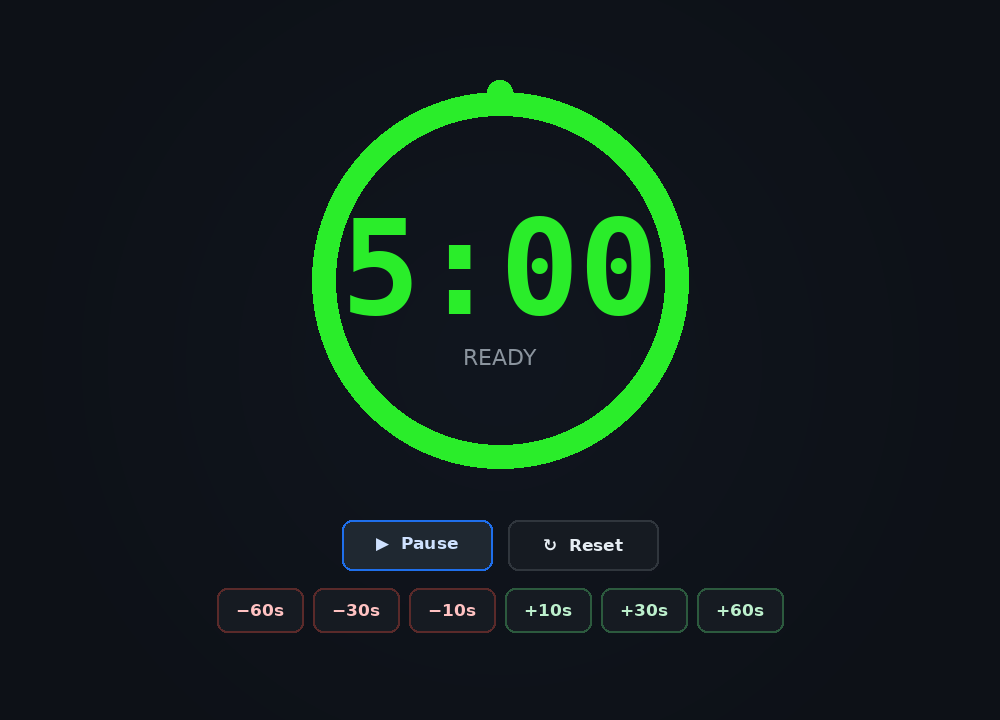
Ready — full green at 5:00
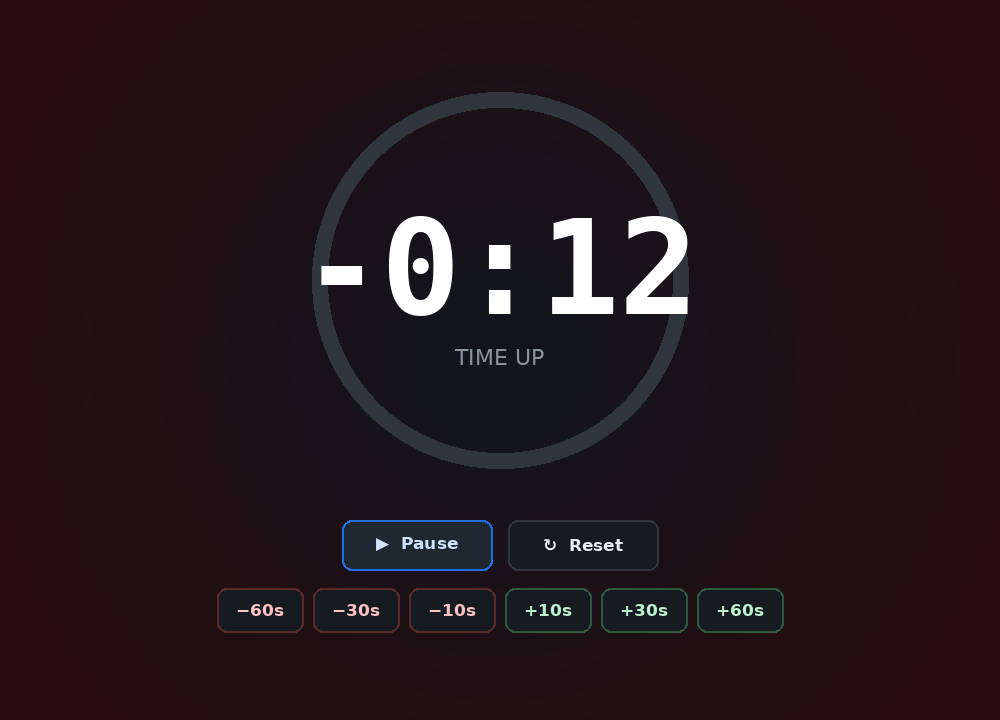
Time up — flashing red, counting negative
Features
- 5-minute countdown with a depleting progress ring and large tabular digits.
- Color sweeps green → yellow → red as the remaining time shrinks.
- Past zero it counts negative (
-0:01,-0:02, …) and the whole background strobes red at 1 Hz while running. - Pause stops the strobe (digits stay red) for a calm, readable "time's up" state.
- Play / Pause and Reset buttons (Space and R keyboard shortcuts).
- −60s / −30s / −10s / +10s / +30s / +60s adjust buttons that work whether running or paused — add time to climb back into the green.
- Wall-clock-accurate timing (
performance.now()), so it stays correct even when the tab is backgrounded. - Fully self-contained: a single static HTML file, zero dependencies.
Dependencies
This app has zero adompkg dependencies. It is one self-contained HTML file with no external libraries, fonts, or services.
Talk to the AI
- Open / run: "open the timer", "start a 5 minute timer", "serve the countdown timer"
- Use: "reset the timer", "add 30 seconds", "pause it"
Skills
| Skill | Purpose |
|---|---|
timer |
Describes the app, how to run it (timer launcher or open the HTML directly), the controls, and the green→red→flash behavior. |