adom-altium-library-importer
Public Unreviewedby barrett-land
Install ADOM'S OWN machine-contact and machine-pin libraries into Altium Designer — ships the pre-converted Adom Symbol Library (.SchLib) + Adom Footprint Library (.PcbLib) with linked symbols, footpr
Install
Install ADOM'S OWN machine-contact and machine-pin libraries into Altium Designer — ships the pre-converted Adom Symbol Library (.SchLib) + Adom Footprint Library (.PcbLib) with linked symbols, footprints, and 3D bodies, for a one-command install (no per-import conversion). Specifically for getting Adom's standard machine pins/contacts into a user's Altium, plus a converter to regenerate them from the KiCad sources. NOT a general 'add any component to Altium' tool. Counterpart to adom-kicad-library-importer.
adom-wiki pkg install barrett-land/adom-altium-library-importerLatest: v1.1.7, published
Contents
adom-altium-library-importer
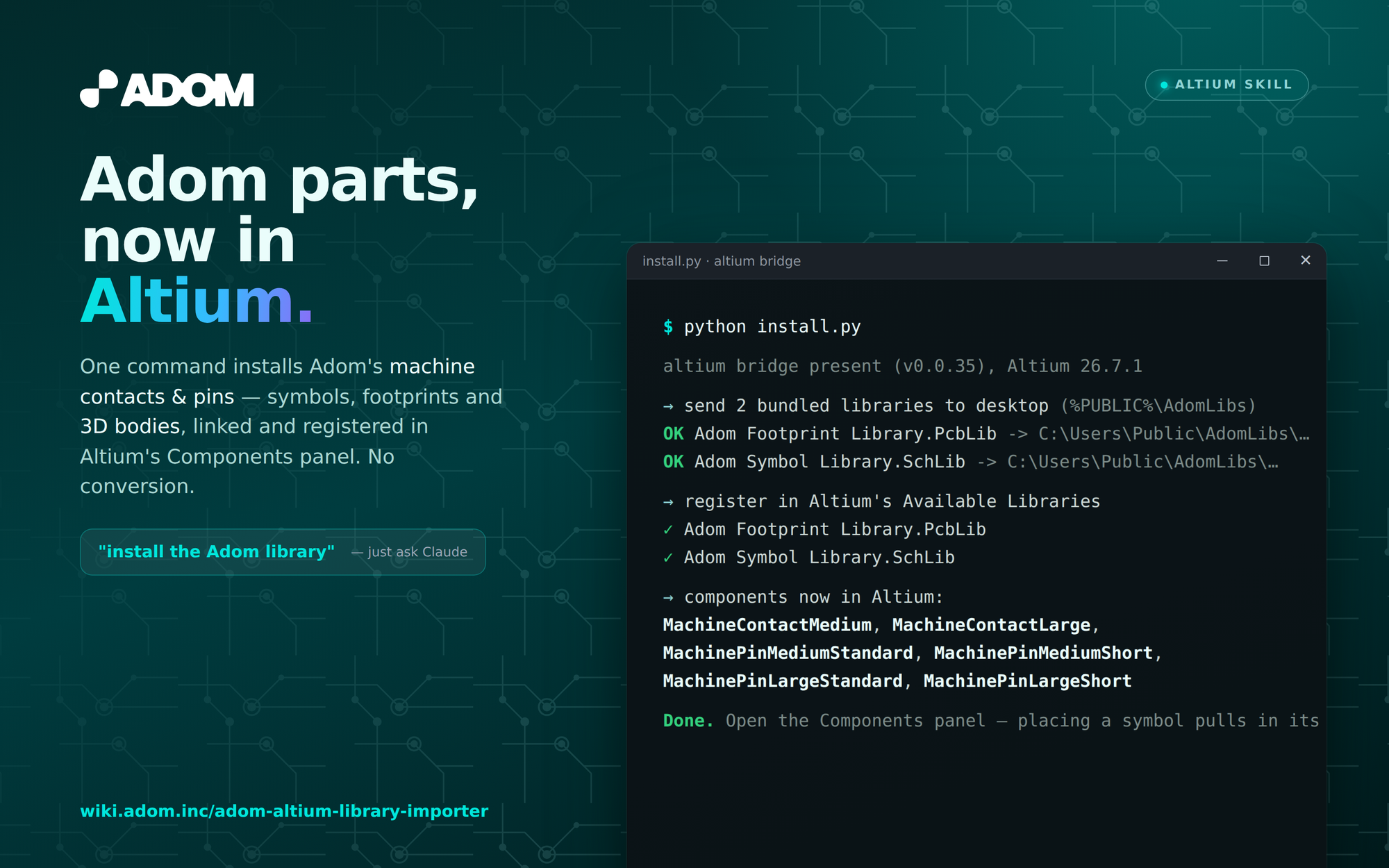
Installs Adom's standard component libraries into Altium Designer — ready-made
.SchLib + .PcbLib (symbols linked to footprints, footprints with 3D bodies) so
getting Adom's machine contacts and machine pins into Altium is a fast one-command
install, with no KiCad→Altium conversion at import time.
Counterpart to adom-kicad-library-importer (same components, KiCad target).
What's bundled (libs/)
| Library | Contents |
|---|---|
| Adom Symbol Library.SchLib | MachineContact Medium/Large, MachinePin Medium/Large × Standard/Short |
| Adom Footprint Library.PcbLib | the matching footprints, each with its STEP 3D body |
Symbols are linked to their footprints (by name), so placing a symbol pulls in the
right footprint + 3D. KiCad sources are in sources/ for regeneration.
Install
adompkg install barrett-land/adom-altium-library-importer
Then, on a machine with Adom Desktop connected and Altium Designer open:
python ~/.claude/skills/adom-altium-library-importer/install.py
install.py is self-contained: it installs the altium Adom Desktop bridge from the
wiki if needed, pushes the two bundled libraries to the desktop, and registers them in
Altium's Available Libraries. Afterwards the Adom parts appear in Altium's
Components panel.
Also included
convert.py— regenerate/extend the Altium libraries from the KiCad sources (.kicad_mod+ STEP → Altium footprint with 3D body).import_part.py— add an external catalog part (resistor/cap/IC) to a named Altium library with theLCSC Part #parameter attached (for JLCPCB BOM/CPL), from a downloaded Altium.IntLib.
See SKILL.md for full usage and the altium bridge verb reference.