adom-remote-control
Public Made by Adomby adom
Make a container's Claude Code sessions controllable from the Session Monitor — voice or text, per-session model, push notifications.
| Name | Last updated |
|---|---|
| docs | 13d ago |
| screenshots | 19d ago |
| skills | 5d ago |
| install.sh | 19d ago |
| package.json | 4d ago |
| page.json | 4d ago |
| README.md | 12d ago |
| uninstall.sh | 21d ago |
adom-remote-control
Make every Claude Code session in a container visible and controllable from the Session Monitor (web + mobile) — with no claude.ai dependency, no cookie, no Cloudflare login, and no laptop tether.
Package deal. This is the guidance skill. Its companion
session-monitor-cliis thesession-monitorCLI that does the work. Installing this skill pulls the CLI.
Install
adom-wiki pkg install adom/adom-remote-control   # pulls session-monitor-cli too
# then hook this container in with your token:
session-monitor keeper start --token <YOUR_MONITOR_TOKEN>
session-monitor keeper status                     # confirm it's reporting
session-monitor open                              # dashboard URL for your phone
How it works
session-monitor keeper start installs and supervises a small keeper in the
container (a singleton-locked nohup daemon + cron watchdog — survives crashes
and container restarts). The keeper:
- Reads the container's Claude Code sessions from local files
(
~/.claude/sessions/*+ transcripts) — tagged with your identity. - Reports them to the Session Monitor service, where they appear on your Session Monitor Dashboard (multi-tenant — they land under your account).
- Injects your replies headless via
claude --resume <id> -p, using the container's own credentials (api.anthropic.com — never claude.ai).
Because the keeper drives sessions with --resume -p, every session is
reachable — there's no real "disconnected." A session whose IDE window is long
gone still answers; the keeper resumes it headless and reports the reply.
Send modes
- Queue (default) — if a session is live in the IDE, your message waits and is delivered the moment it goes idle (no collision).
- Branch —
--fork-sessionspins up a seeded copy to work concurrently; reconcile later (file edits already shared if same dir; git merge if worktree).
Session states
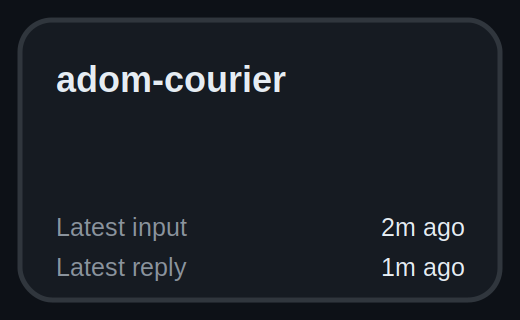
Every card's outline color is its state. What each means, and how a session moves between them:
| Card | State | What it means | You get here when… | You leave when… |
|---|---|---|---|---|
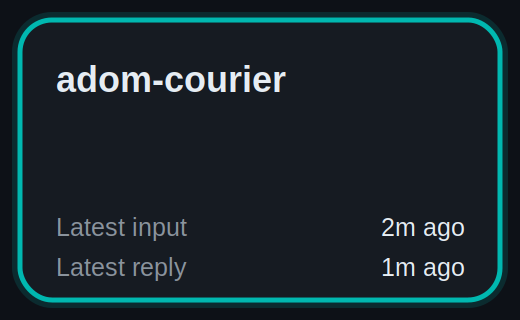 |
Building (teal) | A turn is generating right now (transcript touched in the last ~45s) — driven from VS Code or from the Session Monitor. | the agent starts a turn — you send from SM, or you type in the VS Code window. | the turn finishes → Ready for input (if not open in VS Code) or Open in VS Code (if it still is). |
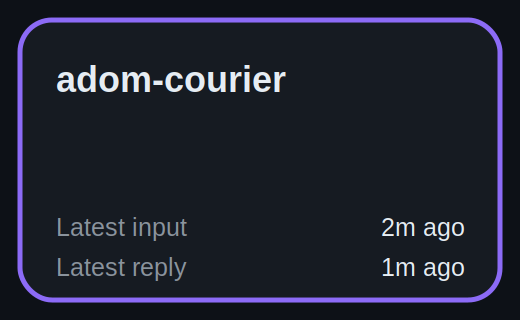 |
Ready for input (purple) | Not open in VS Code and idle — the keeper can drive it headlessly. This is the state you act on from your phone. | a turn finishes and the session is not open in the VS Code window (or you closed that window). | you send a message → Building; or you open it in VS Code → Open in VS Code. |
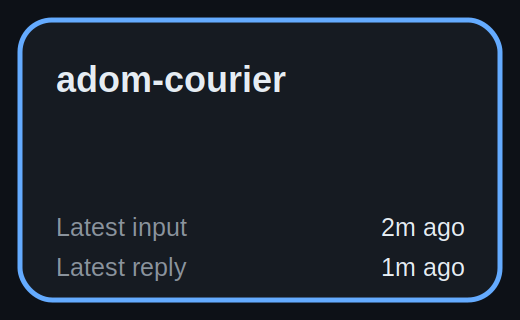 |
Open in VS Code (blue) | Held live in the editor — its input is owned by the VS Code window, so a phone reply can't be delivered headlessly. | you have the session open in VS Code and it's idle. | you close it in VS Code → Ready for input; or a turn starts → Building. |
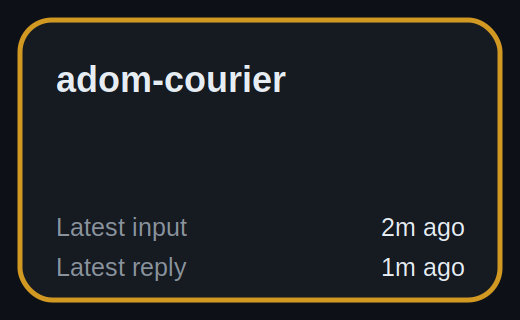 |
Needs attention (amber) | A delivery to this session failed — the keeper tried to inject your reply and it errored (not the normal "open in VS Code" hold). | your last send errored or the keeper hit a problem delivering it. | the next successful report or resend clears it → back to Ready / Building. |
 |
Keeper down (gray) | The container is still running, but its keeper stopped reporting (>90s). The container never idles — so this means the keeper died, not the container. | the keeper process stopped and its watchdog didn't revive it. | re-run /adom-remote-control on that container → the keeper reports again and the real state returns. |
Note. "Ready for input" is the drivable one, not "Keeper down." A session whose IDE window is long gone still answers — the keeper resumes it headless. The only thing you can't phone-control is a blue session (open in VS Code): close it there first.
Why it exists
The built-in /remote-control routes through claude.ai (cookie + Cloudflare) and
dies when its process exits. adom-remote-control is yours, always-on,
no claude.ai, no browser, whole-container, and revivable — built to escape exactly those
limits. See the comparison:
/remote-control (built-in) |
/adom-remote-control |
|
|---|---|---|
| Scope | one session | the whole container |
| Control surface | claude.ai / Claude mobile app | your Session Monitor |
| claude.ai dependency | required | none |
| Persistence | dies with the process | supervised keeper, survives laptop-off |
| Multi-tenant | personal | owner-tagged, team-shareable |
Screenshots
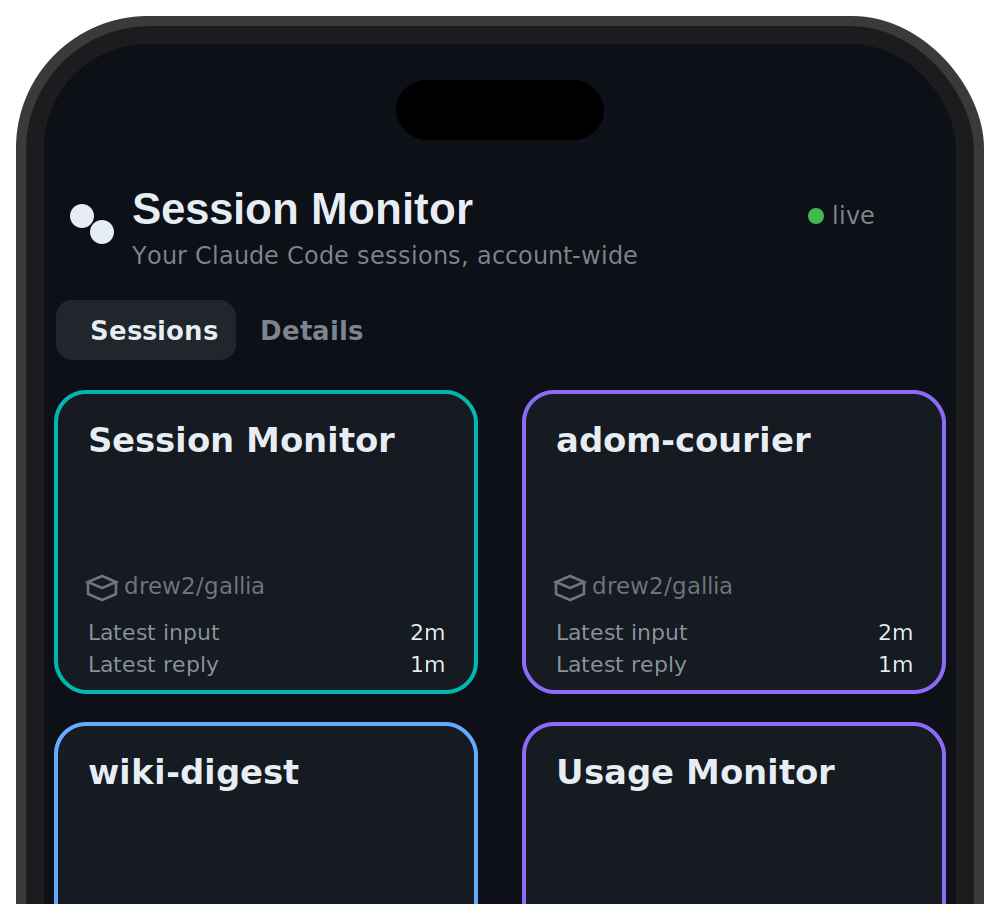 The Session Monitor Dashboard (keeper-fed) — see Session states for what each outline color means. Tap a card to hear the latest message and reply by voice (Audio mode) or type (Text mode).
Dependencies
session-monitor-cli — the
session-monitor command that does the work (the keeper runtime lives there).
Installing this skill pulls it. Otherwise only Python 3 + the Claude Code CLI,
both already present in Adom containers.
Talk to the AI
- "enable remote control on this container" / "hook this container into the session monitor"
- "make this session controllable from my phone"
- "stop the keeper" / "unhook this container"
Token
The Session Monitor service is token-gated (the send path injects commands into
live sessions, so it must be). The token is not bundled here — ask whoever
runs the monitor for it and pass it to session-monitor keeper start --token.
Skills
| Skill | Purpose |
|---|---|
adom-remote-control |
Install + supervise the keeper; report sessions; inject replies (no claude.ai, no browser) |