Adom Wiki
Public Made by Adomby adom
How the Adom Wiki (wiki.adom.inc) works and how to drive it with the adom-wiki CLI: the two storage layers (git page repo vs package registry), hosting source by pushing files (not a tarball), making packages, cutting per-platform releases, and the three-tier skill layout (user skills ship, dev-skills/ and publish-skills/ stay source-only). adom-wiki is the current tool; adompkg is deprecated. Read this first before publishing or installing.
Component 3D viewer: default ground=0 to kill the moving cast shadow on animated models
The component-page 3D viewer (/viewer/3d/component/<slug>) sets up an overhead spotlight + ground plane for shadows. On animated models the cast shadow moves during playback, which is distracting.
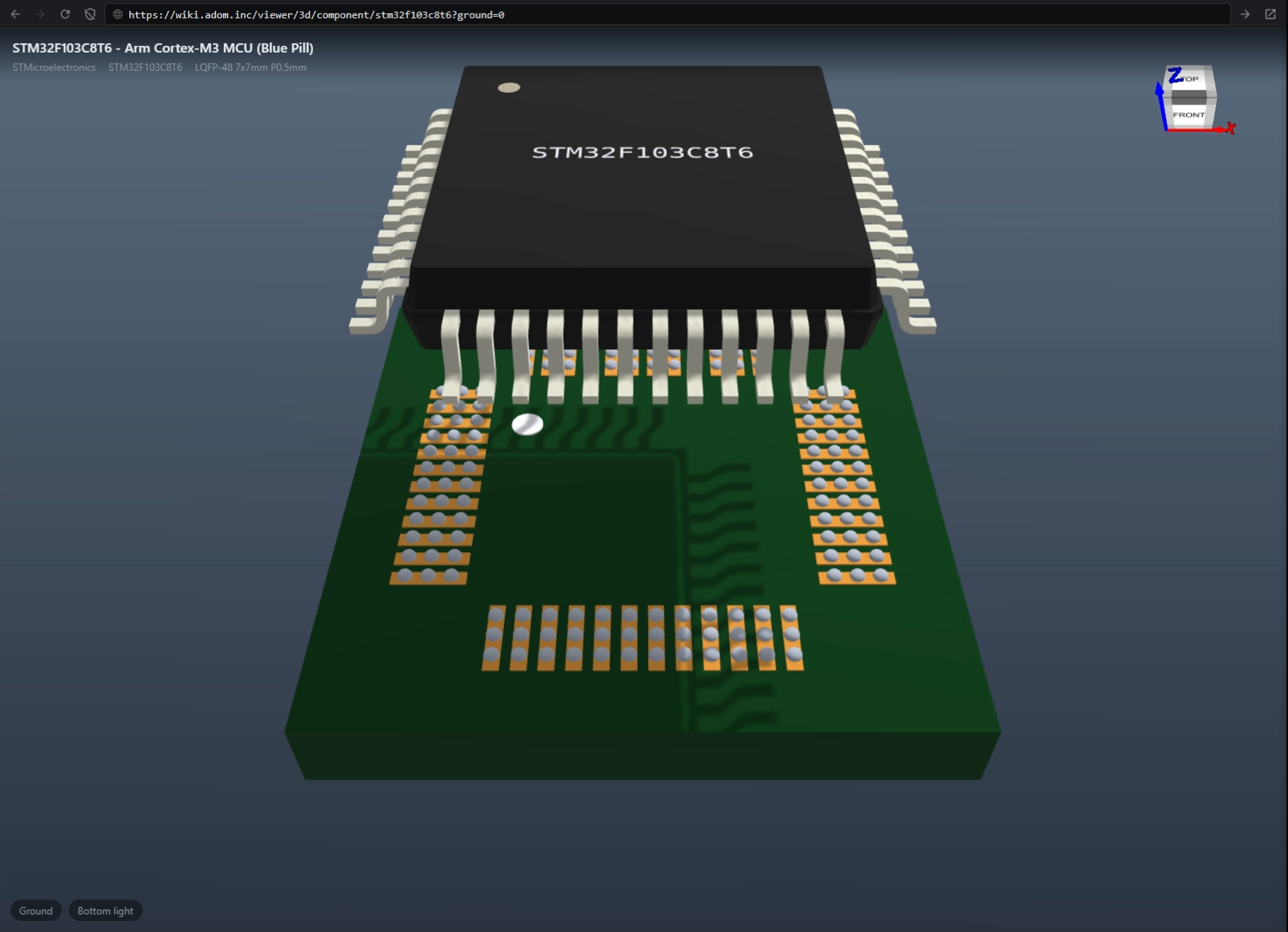
Example: adom/stm32f103c8t6 has a pick-and-place animation (chip descends onto the footprint) — the moving ground shadow pulls focus.
Fix that works today: ?ground=0 removes the ground plane + shadow cleanly (verified — attached; metallic leads, subtle laser etch, and the animation all stay intact). Note: only ground=0 works — shadow=0 / shadows=0 / ground=false are ignored.
Why I cannot set it myself: the component page embeds the viewer as <iframe src="/viewer/3d/component/<slug>"> with no query params, and neither page.json nor readme.html exposes a ground/shadow toggle. So page authors have no way to turn it off.
Ask — any of these:
- default the component-page 3D embed to
ground=0(no ground plane / shadow), or - append
?ground=0to the iframesrcfor animated models, or - expose a
page.jsontoggle (e.g.component.parts.model_3d_ground: false).
Leaning toward defaulting ground off for component 3D embeds — the moving shadow is distracting on any animated part.